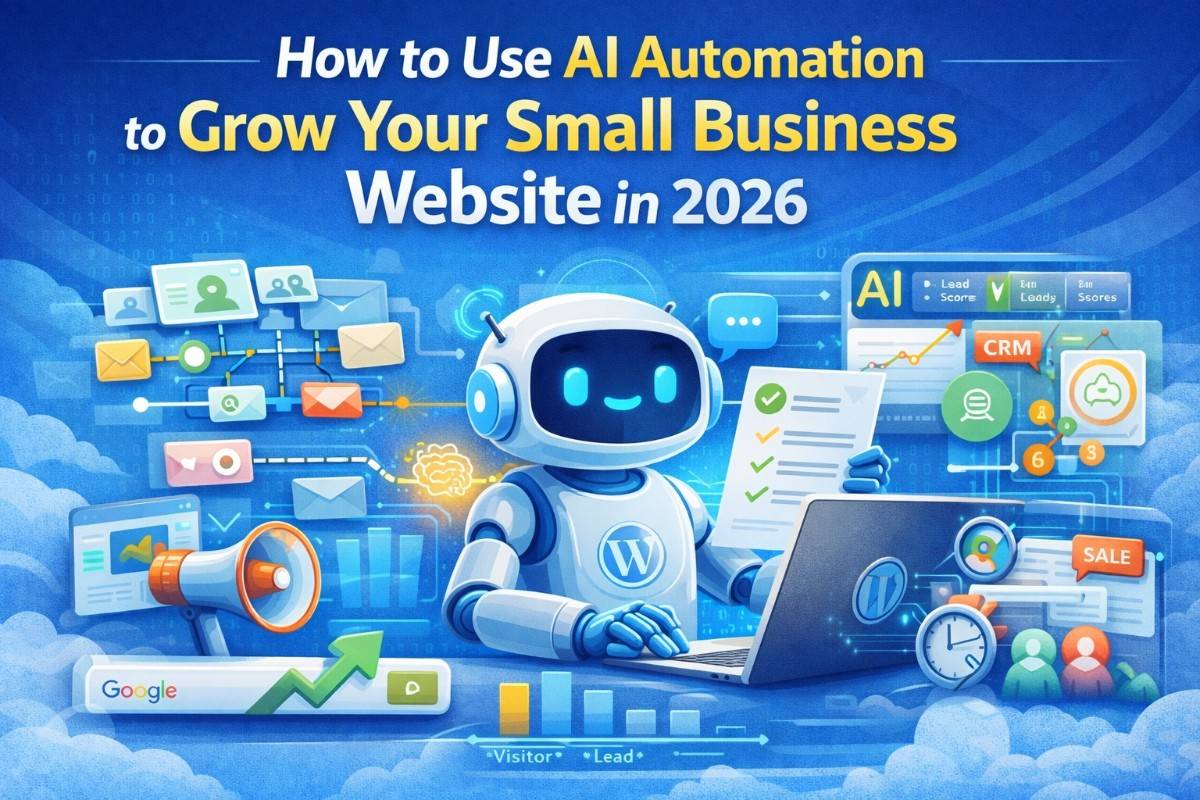
Artificial Intelligence is no longer experimental. In 2026, AI automation is becoming a core competitive advantage for small businesses.
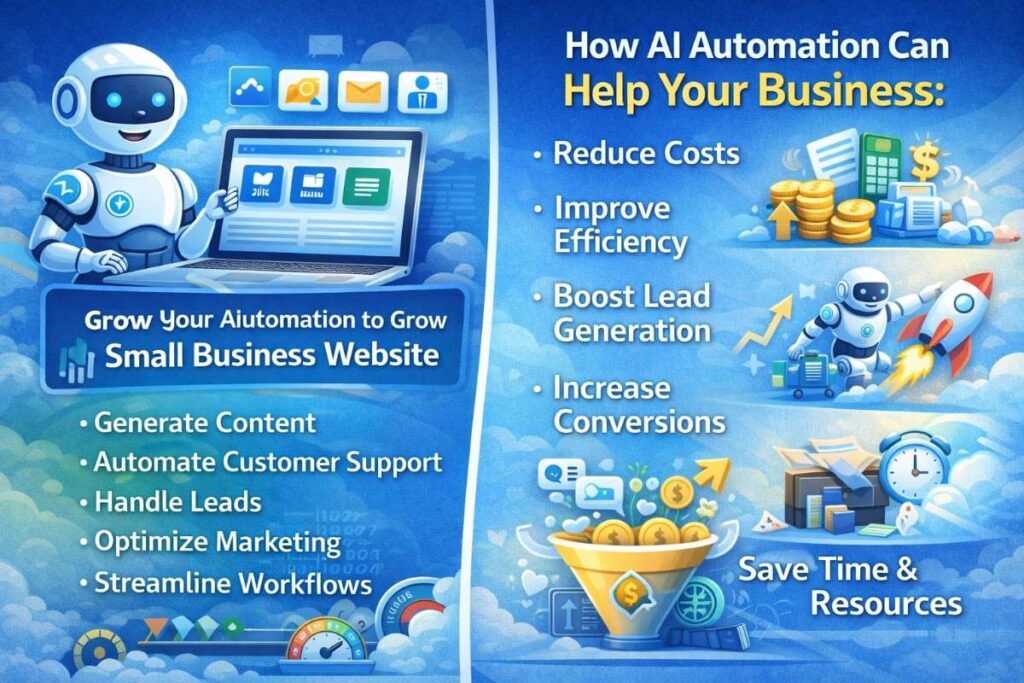
Companies using automation reduce operational costs, improve lead generation, and increase productivity without hiring additional staff.
This guide explains:
- What AI automation means for websites
- Where businesses lose time and money
- How to implement AI on WordPress
- Real-world automation examples
- Tools and workflows
- How to scale automation safely
What Is AI Automation for Websites?
AI automation refers to systems that:
- Generate content
- Respond to customer inquiries
- Automate marketing
- Optimize SEO
- Manage workflows
Instead of manual work, intelligent systems handle repetitive tasks.
For small businesses, this means doing more with fewer resources.
Why Small Businesses Need Automation Now
Businesses that ignore automation face:
- Higher operational costs
- Slower customer response times
- Manual marketing processes
- Missed leads
- Lower efficiency
AI automation improves:
- Speed
- Accuracy
- Scalability
- Profit margins
Where Businesses Lose the Most Time
Common bottlenecks:
- Manual content creation
- Responding to repetitive customer questions
- Lead qualification
- Sending follow-up emails
- Updating website content
- Data entry tasks
Each of these can be automated.
AI Automation Use Cases for WordPress
1. AI Content Generation
AI can:
- Generate SEO blog posts
- Create product descriptions
- Write landing page copy
- Generate meta descriptions
Integrated via:
- OpenAI API
- Automation workflows (n8n, Make)
- WordPress REST API
This allows scalable content production.
2. AI Chatbots for Lead Capture
Instead of static contact forms, AI chatbots can:
- Answer FAQs instantly
- Collect lead information
- Pre-qualify clients
- Schedule consultations
This increases engagement and conversion rates.
3. Automated SEO Optimization
AI tools can:
- Suggest keywords
- Optimize headlines
- Generate schema markup
- Improve internal linking
Automation ensures consistency.
4. Automated Email Marketing
AI can trigger emails when:
- Someone fills out a form
- Downloads a guide
- Visits pricing page
- Abandons cart
This keeps prospects engaged automatically.
5. Lead Scoring & CRM Integration
AI can analyze:
- User behavior
- Page visits
- Click patterns
Then assign lead scores and prioritize follow-ups.
How to Implement AI Automation (Step-by-Step)
Step 1: Define Business Goals
Before installing tools, determine:
- Are you trying to generate more leads?
- Increase sales?
- Reduce manual workload?
- Improve SEO rankings?
Clear goals prevent overcomplication.
Step 2: Choose the Right Tools
Common stack:
- WordPress
- OpenAI API
- n8n or Make
- CRM system
- Email automation software
Avoid installing unnecessary plugins.
Step 3: Start Small
Begin with one automation, such as:
- Automated FAQ chatbot
- Blog content generation
- Email follow-up system
Measure results before expanding.
Real Example: AI Lead Funnel
- Visitor lands on blog
- AI chatbot engages visitor
- Visitor asks question
- Chatbot collects email
- CRM receives lead
- Automated email sequence starts
- Business receives qualified inquiry
No manual intervention required.
Risks of Poor AI Implementation
- Generic content
- Over-automation
- Poor user experience
- Security vulnerabilities
Automation must remain strategic.
Best Practices for AI Automation
- Keep human oversight
- Monitor performance
- Update prompts regularly
- Maintain data privacy compliance
- Focus on user experience
Automation supports growth. It does not replace strategy.
Future of AI Automation
In the coming years:
- AI agents will manage websites autonomously
- Personalized content will be standard
- Automation will become mandatory for competitiveness
Businesses adopting early gain advantage.
Final Thoughts
AI automation is not about replacing people. It is about improving efficiency.
Small businesses can:
- Scale content production
- Improve customer engagement
- Increase conversions
- Reduce operational costs
With the right structure, AI becomes a growth engine.
If you need professional help implementing AI automation on your website, you can contact me here: https://fazalweb.com/contact