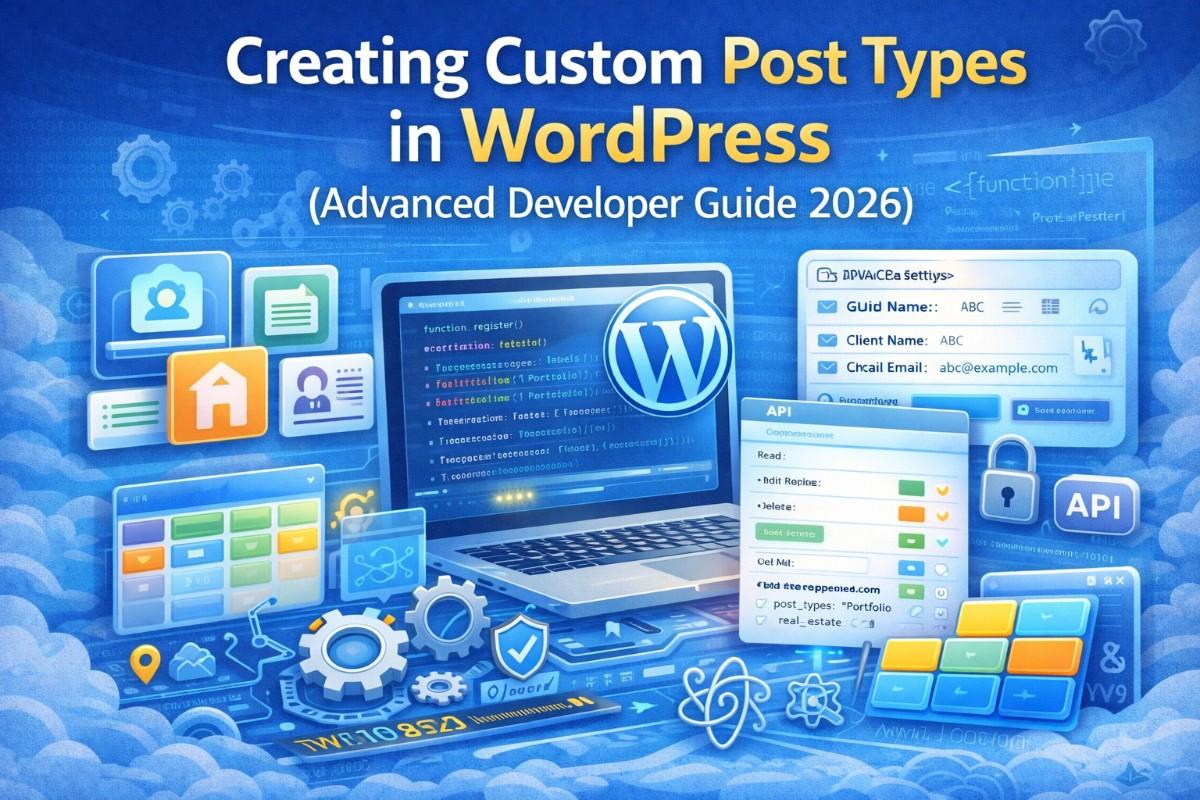
Custom Post Types (CPTs) are the backbone of scalable WordPress development. If you are building anything beyond a simple blog — portfolios, SaaS dashboards, directories, LMS platforms, marketplaces, CRMs — you are working with custom post types.
This guide goes beyond the basics. It explains:
- Clean architecture
- Object-oriented CPT registration
- Custom capabilities
- REST API integration
- Performance considerations
- Gutenberg integration
- Relationships & meta queries
- Security hardening
- Scalable project structure
- Enterprise best practices
This is written for developers who want to build maintainable systems — not quick fixes.
1. Why Custom Post Types Matter in Modern WordPress website
WordPress core includes:
- Posts
- Pages
- Attachments
- Revisions
- Navigation items
However, modern applications require structured content models.
Examples:
- Real estate listings
- Job boards
- SaaS features
- Testimonials
- Courses
- Products (WooCommerce is built on CPT)
CPTs allow WordPress to behave like a lightweight application framework.
2. register_post_type() Deep Dive
Basic example:
function register_portfolio_cpt() {
    register_post_type('portfolio', [
        'label' => 'Portfolio',
        'public' => true,
        'has_archive' => true,
        'rewrite' => ['slug' => 'portfolio'],
        'supports' => ['title', 'editor', 'thumbnail']
    ]);
}
add_action('init', 'register_portfolio_cpt');
That is beginner level.
Let’s move to advanced configuration.
3. Production-Ready CPT Registration
Full Example with Advanced Arguments
class PortfolioPostType {

    public function __construct() {
        add_action('init', [$this, 'register']);
    }

    public function register() {

        $labels = [
            'name'               => __('Portfolios', 'textdomain'),
            'singular_name'      => __('Portfolio', 'textdomain'),
            'add_new'            => __('Add New Portfolio', 'textdomain'),
            'edit_item'          => __('Edit Portfolio', 'textdomain'),
            'new_item'           => __('New Portfolio', 'textdomain'),
            'view_item'          => __('View Portfolio', 'textdomain'),
            'search_items'       => __('Search Portfolios', 'textdomain'),
            'not_found'          => __('No portfolios found', 'textdomain'),
        ];

        $args = [
            'labels'             => $labels,
            'public'             => true,
            'publicly_queryable' => true,
            'show_ui'            => true,
            'show_in_menu'       => true,
            'query_var'          => true,
            'rewrite'            => [
                'slug' => 'portfolio',
                'with_front' => false
            ],
            'capability_type'    => 'portfolio',
            'map_meta_cap'       => true,
            'has_archive'        => true,
            'hierarchical'       => false,
            'menu_position'      => 5,
            'menu_icon'          => 'dashicons-portfolio',
            'supports'           => [
                'title',
                'editor',
                'thumbnail',
                'excerpt',
                'revisions',
                'custom-fields'
            ],
            'show_in_rest'       => true
        ];

        register_post_type('portfolio', $args);
    }
}

new PortfolioPostType();
Key improvements:
- OOP structure
- Custom capability type
- REST enabled
- Clean rewrite rules
- Scalable architecture
4. Custom Capabilities (Security & Roles)
If you use default capabilities, any editor can modify your CPT.
For serious projects, define custom capabilities.
'capability_type' => ['portfolio', 'portfolios'],
'map_meta_cap' => true
Then assign capabilities:
$role = get_role('administrator');
$role->add_cap('edit_portfolio');
$role->add_cap('publish_portfolios');
$role->add_cap('delete_portfolio');
This gives fine-grained control.
Enterprise projects require strict role segmentation.
5. Custom Taxonomies for CPT
Taxonomies structure CPT content.
Example:
register_taxonomy('project_type', 'portfolio', [
    'label' => 'Project Types',
    'hierarchical' => true,
    'rewrite' => ['slug' => 'project-type'],
    'show_in_rest' => true
]);
Best practice:
- Always enable REST
- Use meaningful slugs
- Avoid overlapping taxonomy names
6. CPT + Gutenberg Integration
Modern WordPress uses block editor.
To fully integrate:
'show_in_rest' => true,
'rest_base' => 'portfolio',
'rest_controller_class' => 'WP_REST_Posts_Controller',
This allows:
- Headless usage
- React integration
- Custom block templates
- API access
7. Custom Meta Fields (Advanced)
Using add_post_meta() is not scalable.
Use register_post_meta:
register_post_meta('portfolio', 'client_name', [
    'show_in_rest' => true,
    'type' => 'string',
    'single' => true,
    'sanitize_callback' => 'sanitize_text_field',
    'auth_callback' => function() {
        return current_user_can('edit_posts');
    }
]);
Benefits:
- REST-ready
- Sanitized
- Secure
- Structured
8. Performance Considerations
Meta queries are expensive.
Instead of:
meta_query => [...]
Consider:
- Custom database tables
- Indexed meta keys
- Using taxonomies when possible
High-scale websites should avoid heavy meta queries.
9. Custom Admin Columns
Improve backend UX:
add_filter('manage_portfolio_posts_columns', function($columns) {
    $columns['client'] = 'Client';
    return $columns;
});

add_action('manage_portfolio_posts_custom_column', function($column, $post_id) {
    if ($column === 'client') {
        echo esc_html(get_post_meta($post_id, 'client_name', true));
    }
}, 10, 2);
This increases editorial efficiency.
10. Custom Rewrite Rules (Advanced Routing)
For advanced URL structures:
add_rewrite_rule(
    '^portfolio/([^/]*)/([^/]*)/?',
    'index.php?portfolio=$matches[2]',
    'top'
);
Always flush rewrite rules only on activation.
11. CPT in Headless Architecture
If using:
- Next.js
- React
- Vue
CPT becomes a content API.
Ensure:
- show_in_rest true
- Proper permission handling
- Custom endpoints when needed
12. REST Custom Endpoints
register_rest_route('custom/v1', '/portfolio-stats', [
    'methods' => 'GET',
    'callback' => 'get_portfolio_stats'
]);
This turns WordPress into an application backend.
13. CPT Relationships (Advanced)
WordPress does not natively support relationships.
Options:
- Use post meta
- Use taxonomy linking
- Use plugins like ACF
- Build custom relationship tables
For scalability, custom tables are best.
14. Scaling CPT for Enterprise Projects
Large sites must:
- Use object caching (Redis)
- Avoid heavy WP_Query loops
- Paginate properly
- Use transient caching
- Optimize database indexes
CPT architecture directly affects performance.
15. Common Mistakes Developers Make
- Registering CPT inside theme (instead of plugin)
- Not enabling REST
- Ignoring capabilities
- Using meta queries excessively
- Not sanitizing input
- Flushing rewrite rules improperly
16. Plugin vs Theme for CPT
Always register CPT inside a plugin.
Why?
If theme changes, content remains intact.
This is professional practice.
17. Folder Structure for Clean Architecture
/wp-content/plugins/custom-content/
    portfolio-post-type.php
    class-portfolio.php
    includes/
    assets/
Modular architecture improves maintainability.
18. Testing & Deployment
- Use staging environment
- Version control (Git)
- Use Composer
- Test rewrite rules
- Test REST endpoints
19. CPT + WooCommerce Hybrid Systems
WooCommerce itself is a CPT.
Understanding CPT allows:
- Custom product types
- Custom checkout flows
- SaaS dashboards
20. Final Thoughts
Custom Post Types transform WordPress from:
Blog CMS → Application Framework
When built correctly:
- Secure
- Scalable
- REST-ready
- Performance-optimized
- Enterprise-capable
If you need professional WordPress development support, you can contact me here:
https://fazalweb.com/contact